Sign in to AgCore
How AgCore sign-in, email verification, password recovery and invitations give farm owners, managers and advisers the right access.
One sign-in for your farm business
Each person gets their own AgCore sign-in. One email can carry Account-wide access or a role in one or more Organisations. A bookkeeper can move between the businesses they were given access to, while a manager can stay with one employing Organisation.
Don't share an office sign-in. Separate sign-ins let AgCore apply the right access and record who made each change.
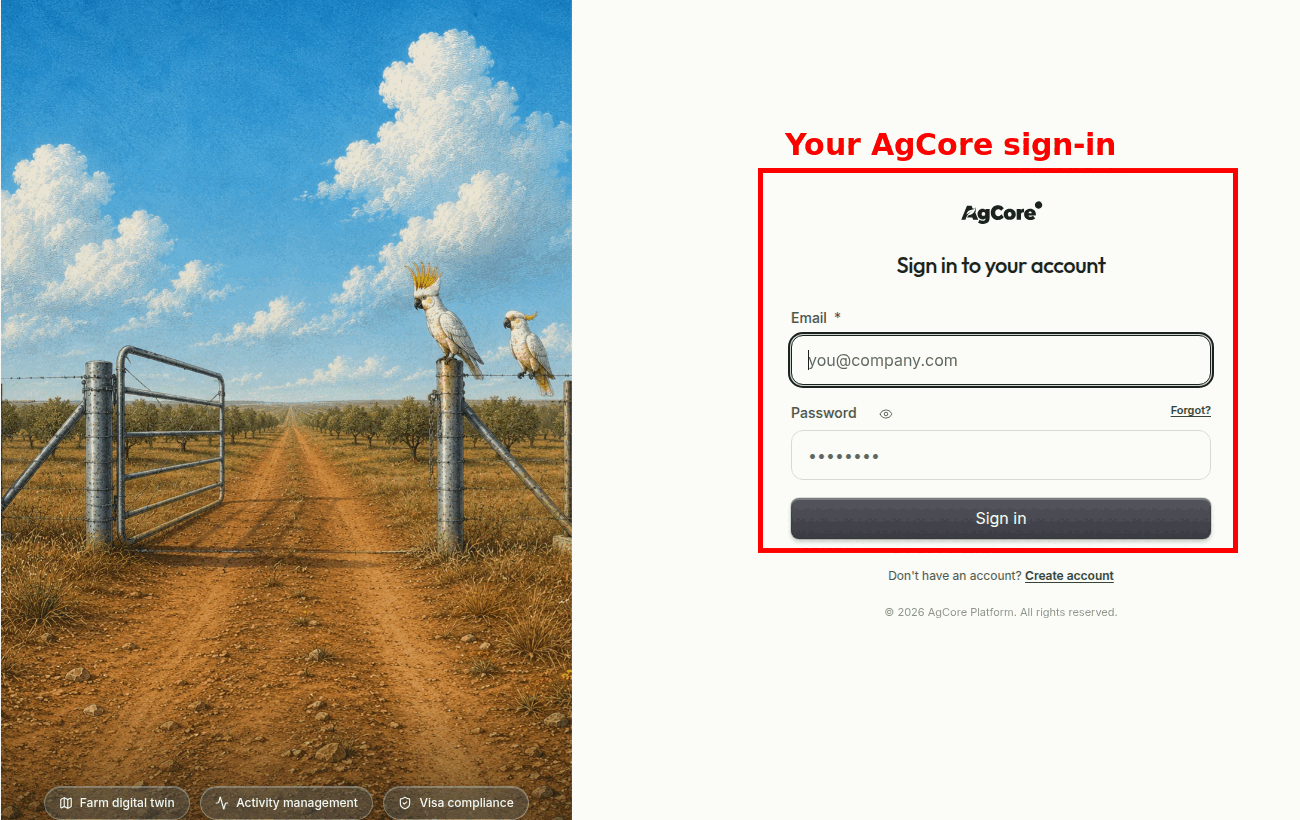
Getting back in when you forget a password
Password recovery uses the email attached to your sign-in. AgCore normally shows the same Check your email message whether the address is registered or not. This stops the screen from revealing who uses AgCore. If reset mail does not arrive, contact support — an address that has previously rejected AgCore mail may be blocked.
A reset link lasts for one hour. Asking for another one cancels the older link. After you set the new password, AgCore signs out your other sessions.
Finish email verification
A new account must confirm its sign-in email before the first sign-in. The verification link lasts for 24 hours.
If the link expires or goes missing, try to sign in with the same email and password. Select Resend verification email when it appears on the sign-in screen. AgCore sends a fresh link and cancels the older one.
What an AgCore invitation gives you
A Membership invite names the Account or Organisation you are joining, the access role, and the email it was sent to. If you're new to AgCore, that link opens sign-in creation with the email locked to the invitation. If you already use AgCore, you sign in with that email and the new access joins your existing user.
The invite link works once and expires after seven days. AgCore refuses an expired, used or revoked link. It also refuses to activate the Membership while you're signed in with a different email. Ask the sender to resend the invite when you need a fresh link.
A Packing Partnership invitation is different from app access. It shares the active block names, varieties and crops needed for packing. It never opens the other farm's dashboard, maps or books.
Open AgCore
Already have access? Sign in to AgCore. If an invitation brought you here, open the link in that email so AgCore can match the right business and role.
Managing who can use your business? Open Users in Settings. The detailed role reference and invitation guide stay inside the app beside that screen.
No sign-in or invitation yet? Start a free 60-day trial — the full product, no credit card.